

What you can do
- Start a new investigation report using a template.
- Control depth and focus by picking the right framework.
- Define scope (regions and time range) to keep results relevant.
Steps
- Open
Investigationsand click New Investigation. - Complete the setup flow:
- Basics: set a clear title and topic.
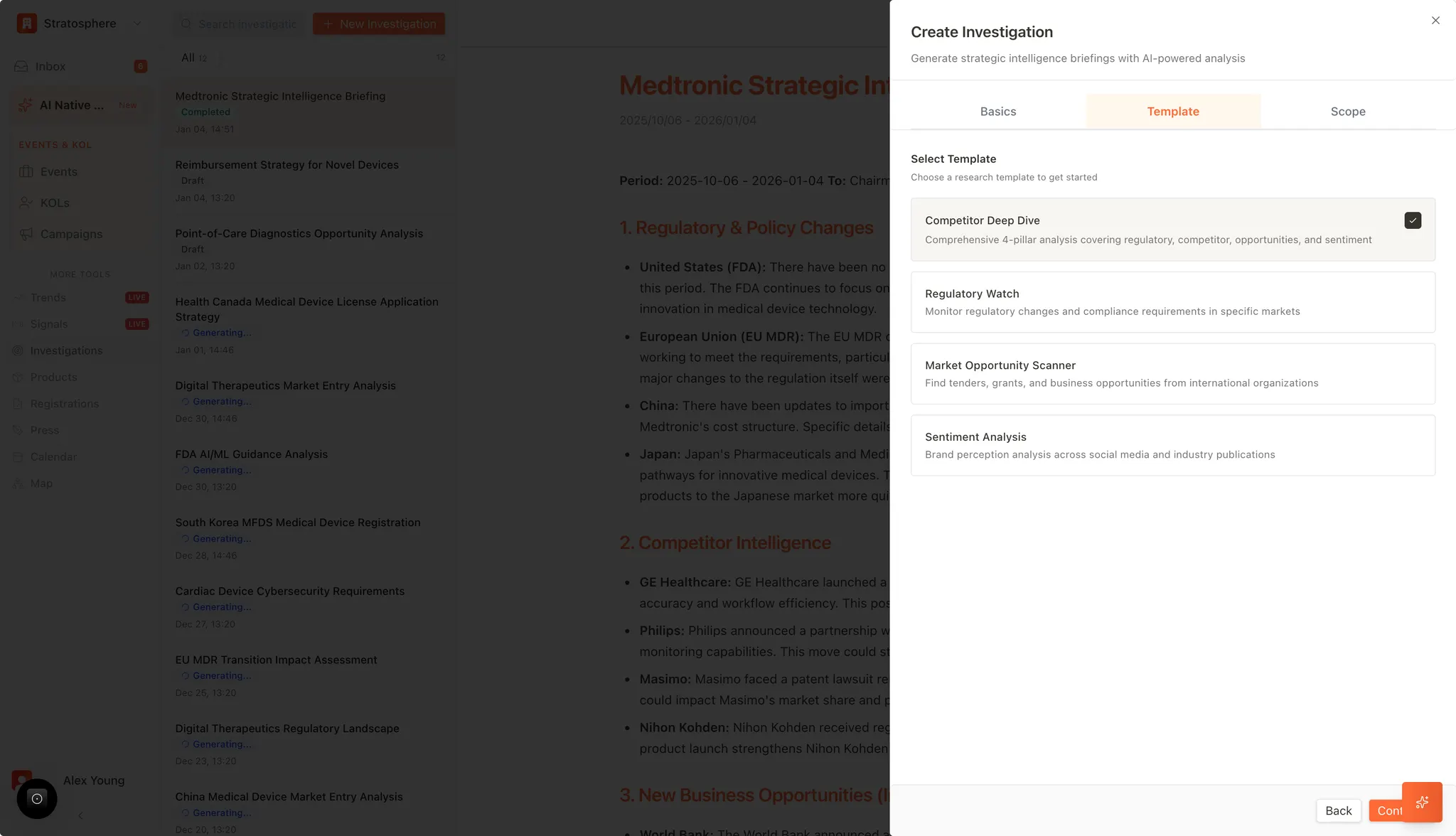
- Template: choose the research framework.
- Scope: pick regions/countries and time parameters.
- Click Continue to start generation.
Templates and when to use them
- Competitor deep dive: broad, executive-style brief across competitors, regulations, opportunities, and signals.
- Regulatory watch: focused monitoring of compliance and policy shifts.
- Market opportunity scanner: looks for tenders, grants, and commercial opportunities.
- Sentiment analysis: analyzes perception across publications and social/professional channels.
Tips
- Use specific topics (company/product/region) instead of broad themes for more actionable output.
- Start with a narrower scope, then expand if you need more coverage.
Related resources
- AI-Powered Research use case: See the end-to-end research workflow.
- Investigations overview: Review templates and saved reports.
- Regulatory Signal Monitoring: Turn signals into investigation topics.
- Company profile AI context: Improve output quality with company and product context.