

Steps
- Open
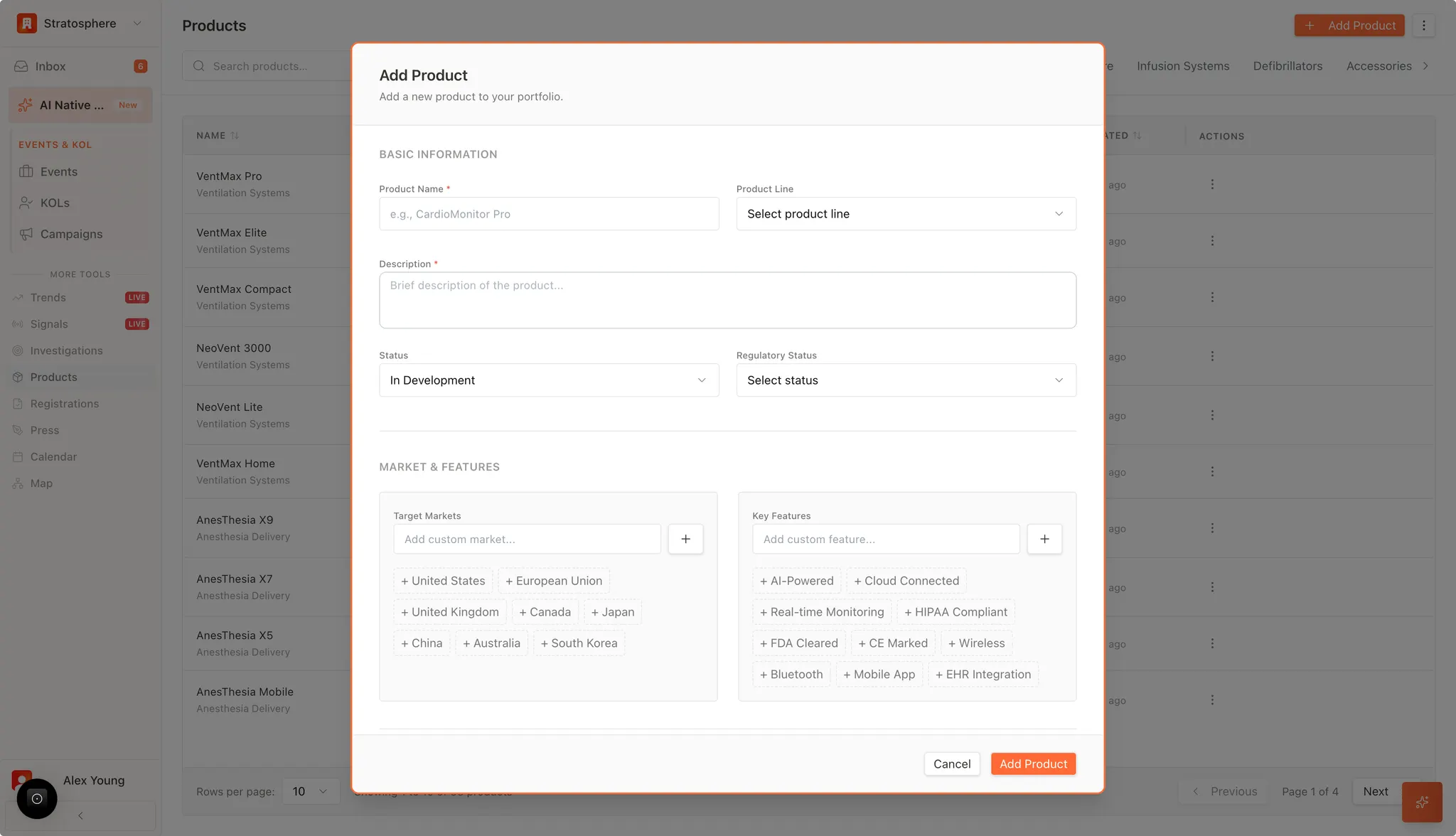
Productsand click Add Product. - Fill in required fields (name, product line, description).
- Set status and regulatory standing.
- Add target markets and key features.
- Click Add Product to save.
Required fields
- Product name
- Product line
- Technical description
Optional but recommended
- Status (e.g., in development, active)
- Regulatory status (by jurisdiction if available)
- Target markets (regions/countries)
- Key features (e.g., AI-powered, FDA cleared, CE marked)