Technical Editor
The Technical editor is where requirements meet your product catalog. Match products, verify compliance, and generate proposal narratives — all in one workspace.Scenario: After parsing a hospital RFP with 47 parameters, the bid team uses Match Products to auto-link their catalog. AI flags three partial-compliance items that need attention. The team resolves them, generates proposal text, and moves to pricing — all within the same afternoon.
Open the Technical editor
From the parse results screen or from the tender’s Tech tab, enter the Technical editor.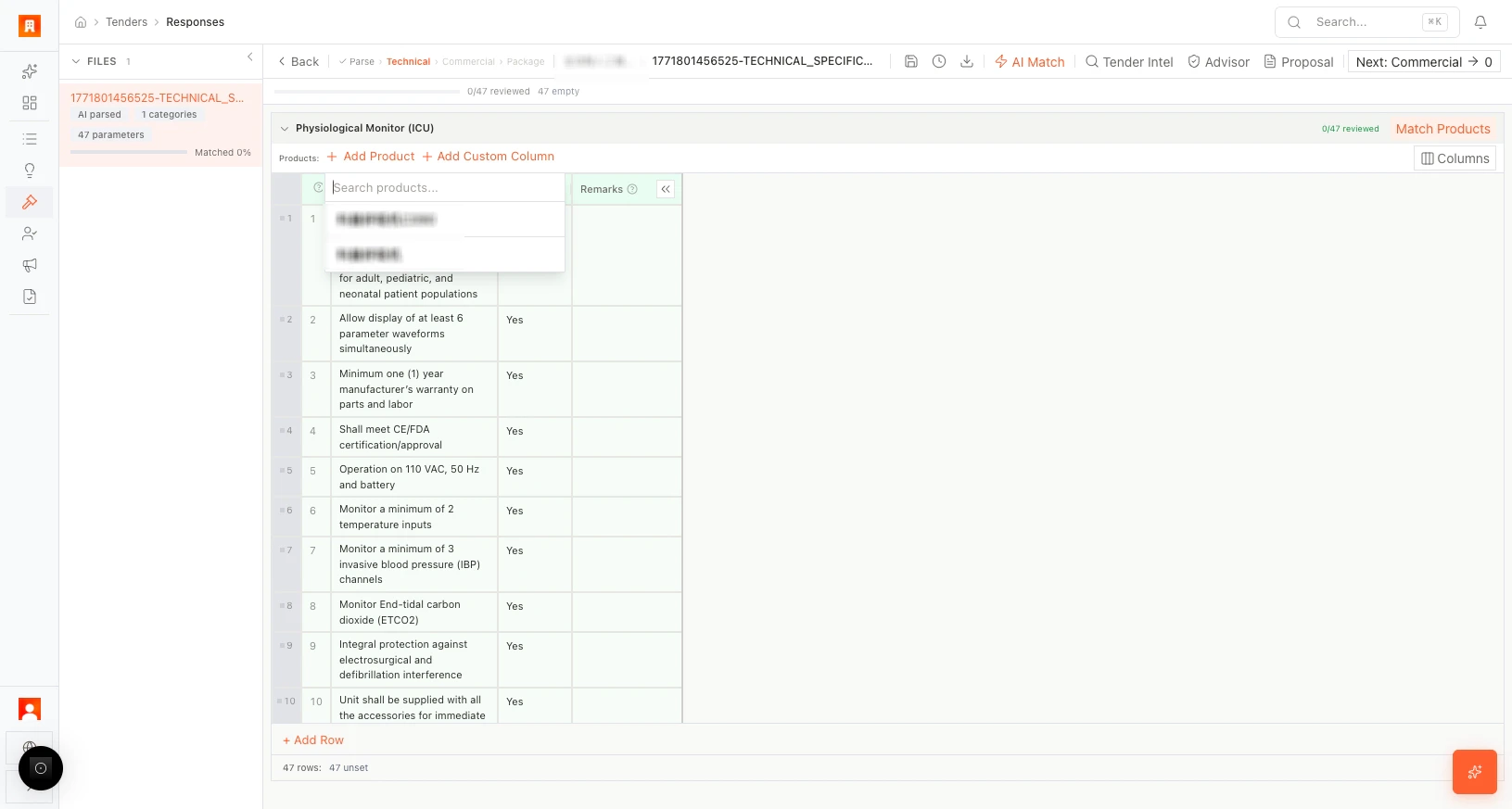
Match products to requirements
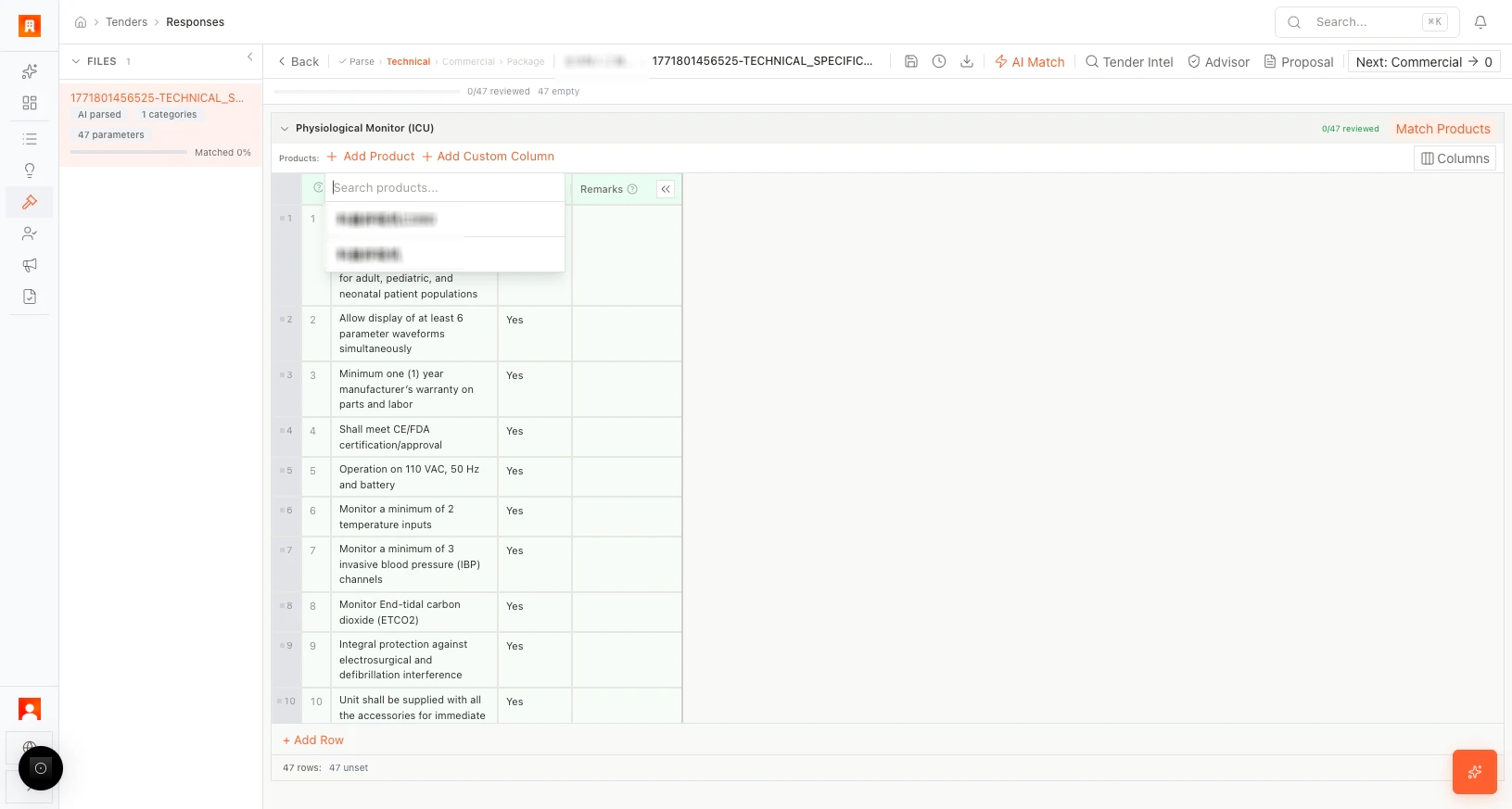
- Click + Add Product to add items from your product catalog.
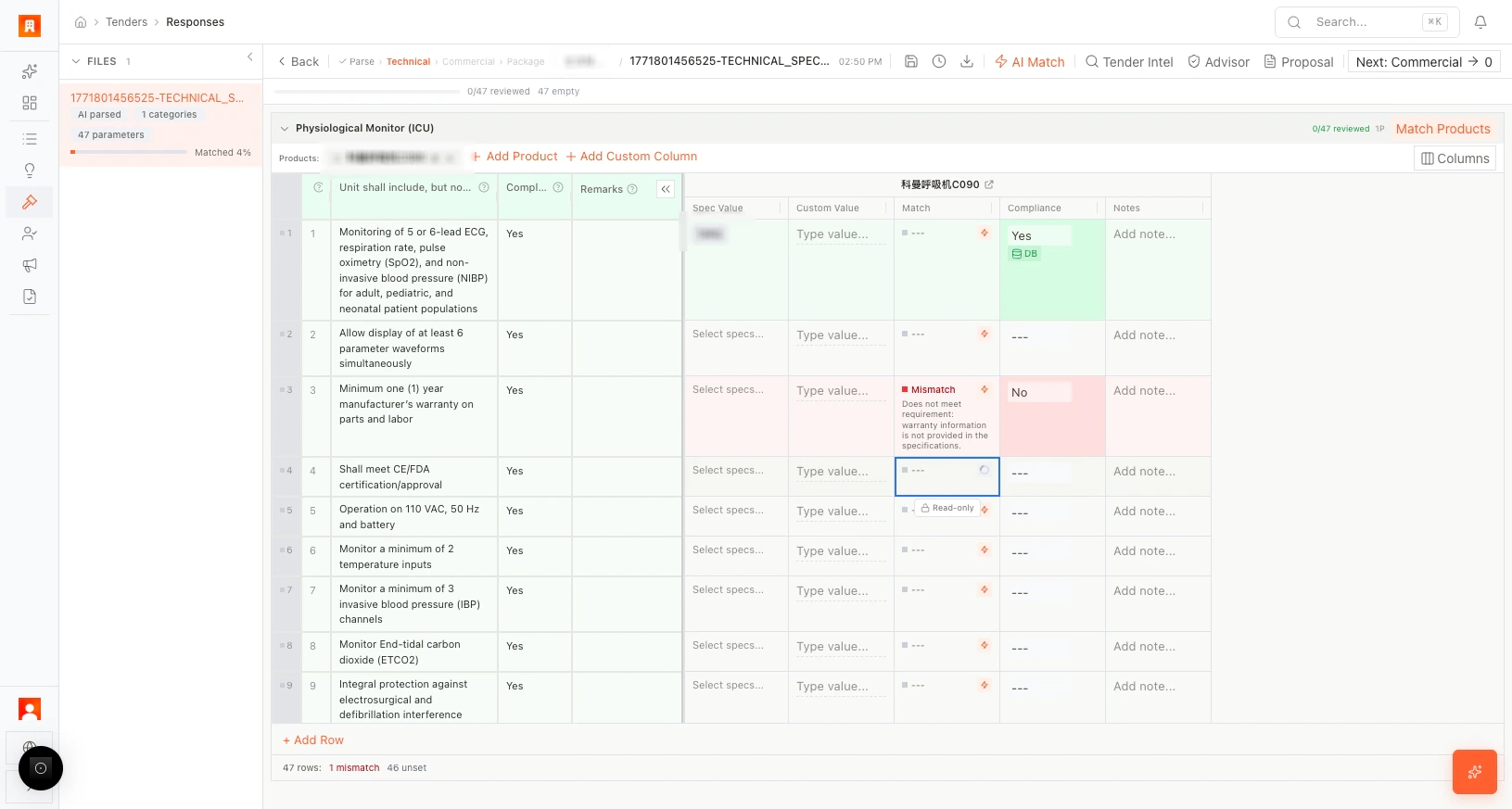
- Use Match Products to auto-link requirements to the best-fit products.
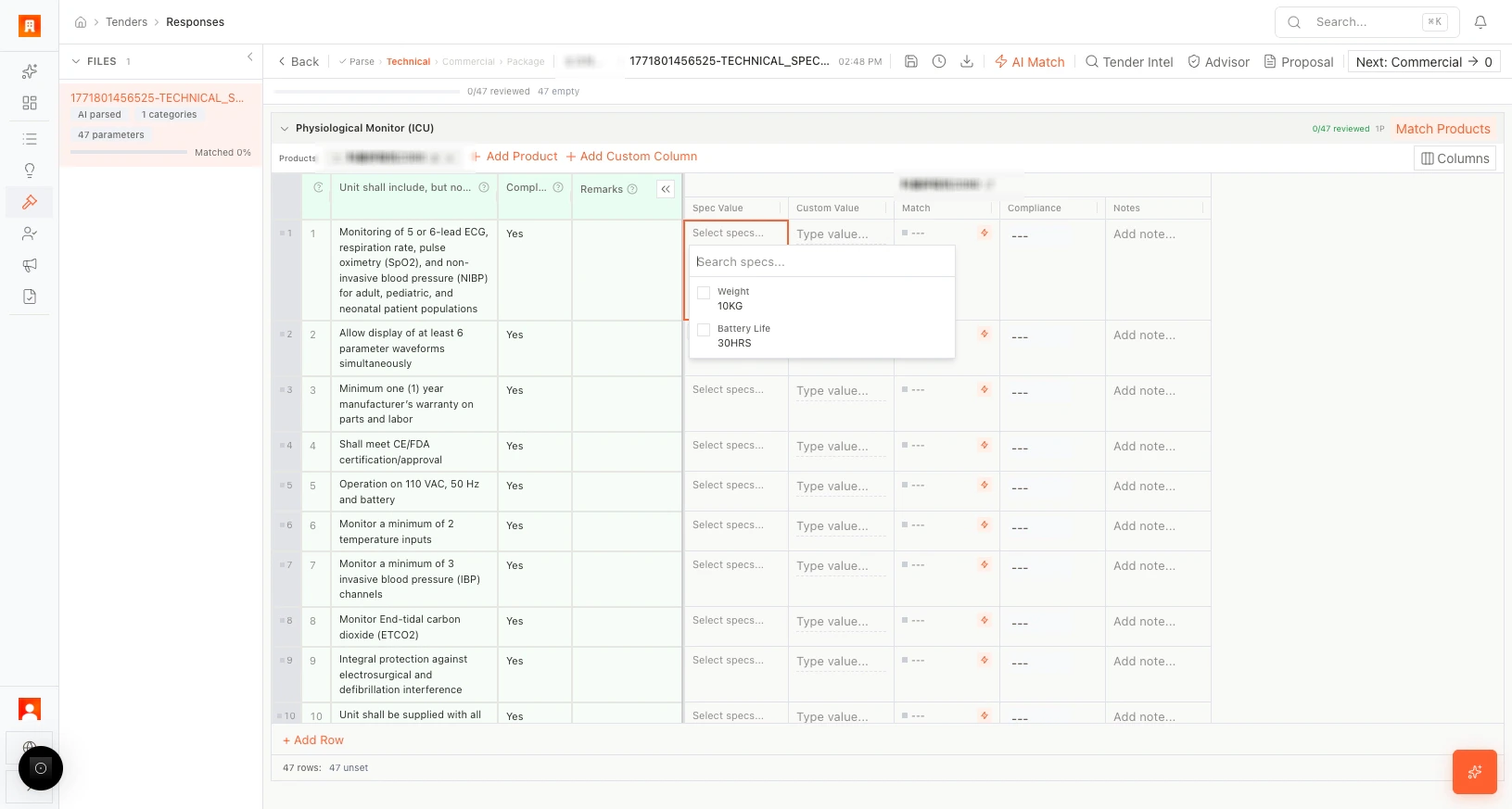
- For each requirement, review or adjust the matched product parameter.
Check compliance
For each parameter, set compliance status: Yes, No, or Partial. Use the AI compliance check (per parameter) to get a suggested answer based on your product specifications and the tender requirements.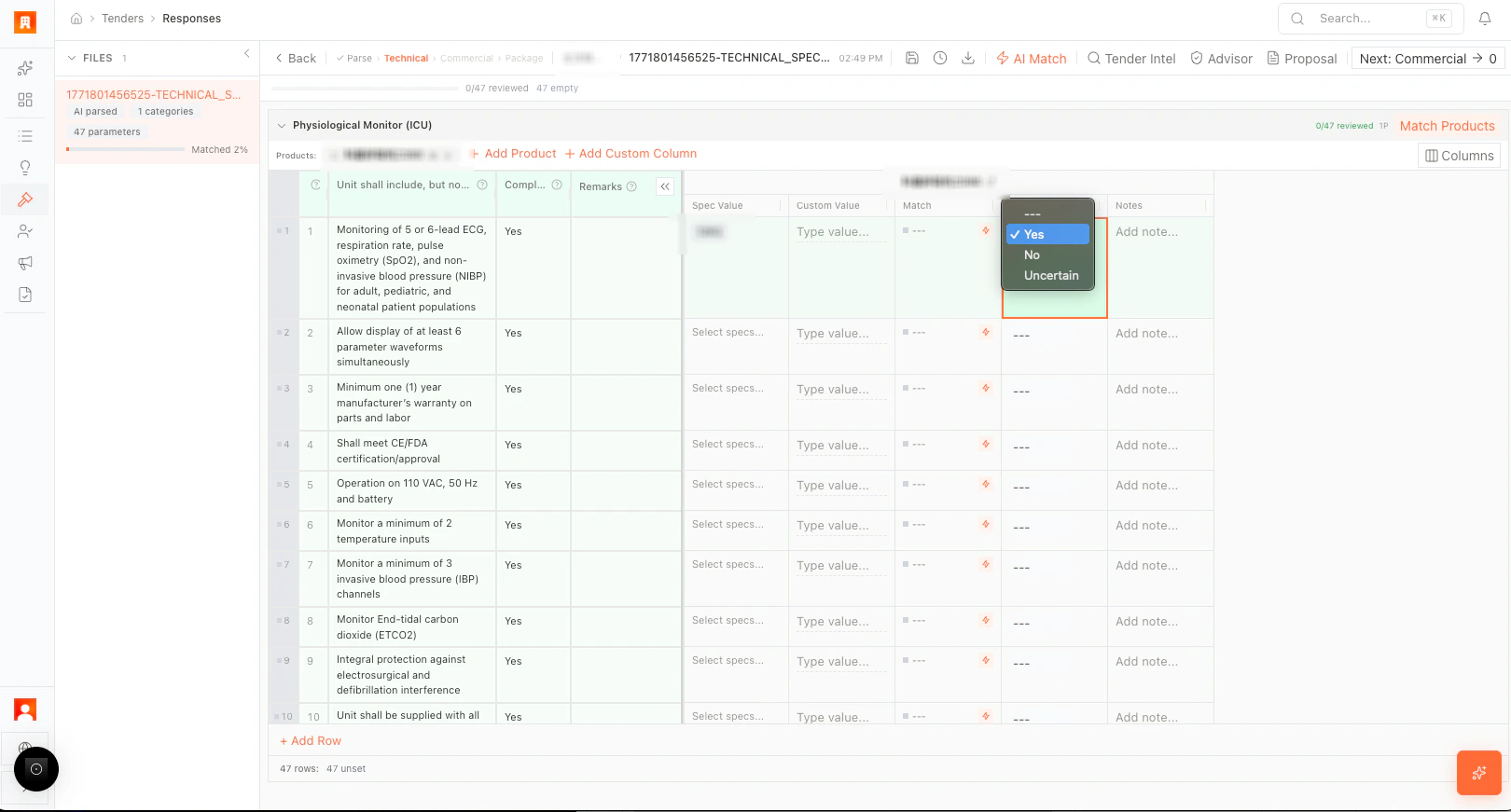
WIN assessment
Use the WIN assessment tool to score your competitiveness per parameter — helping you identify strengths to emphasize and gaps to address.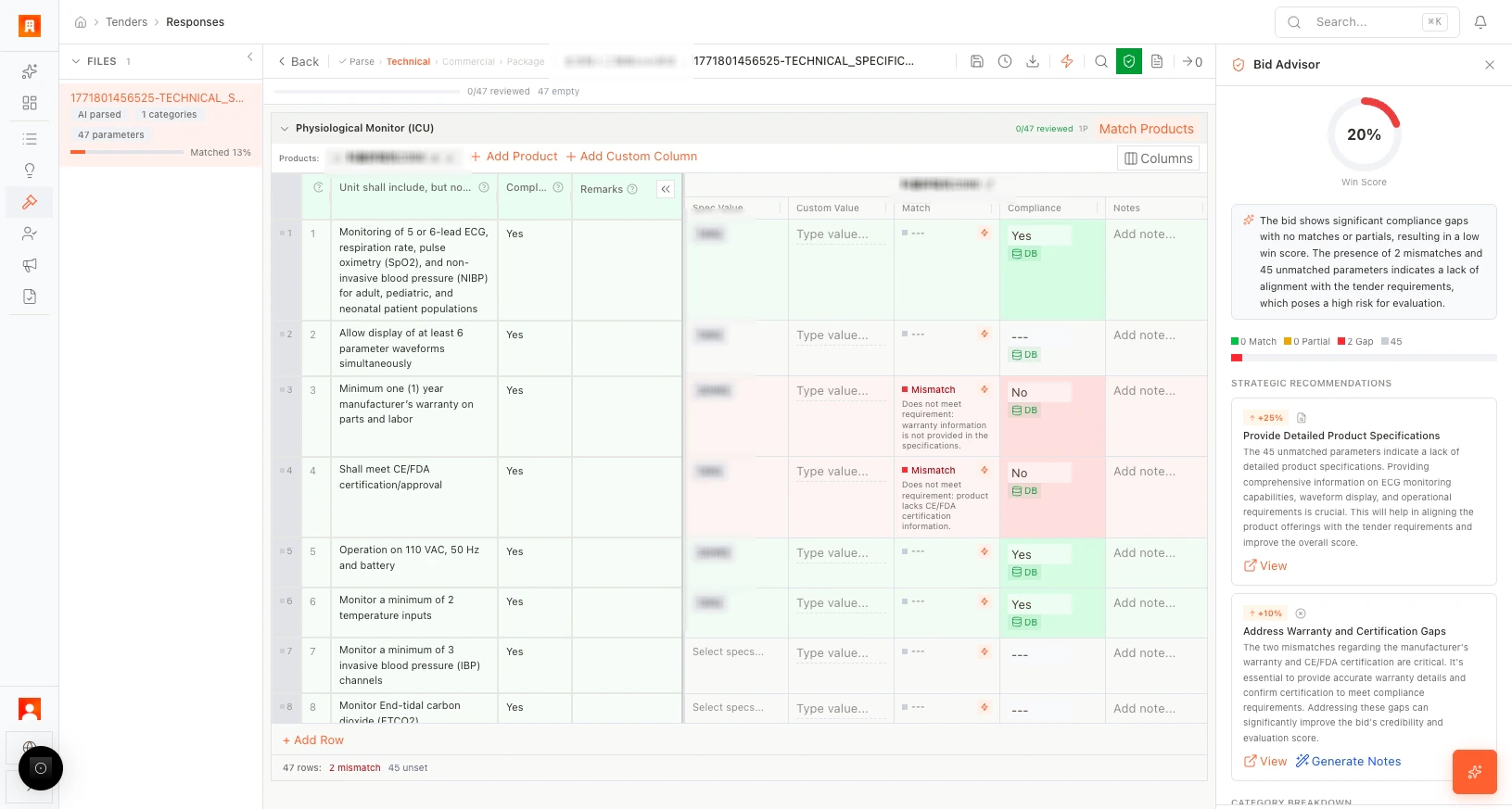
Generate proposal text
Click Generate Proposal for a section to create AI-written narrative covering compliance, differentiators, and technical approach.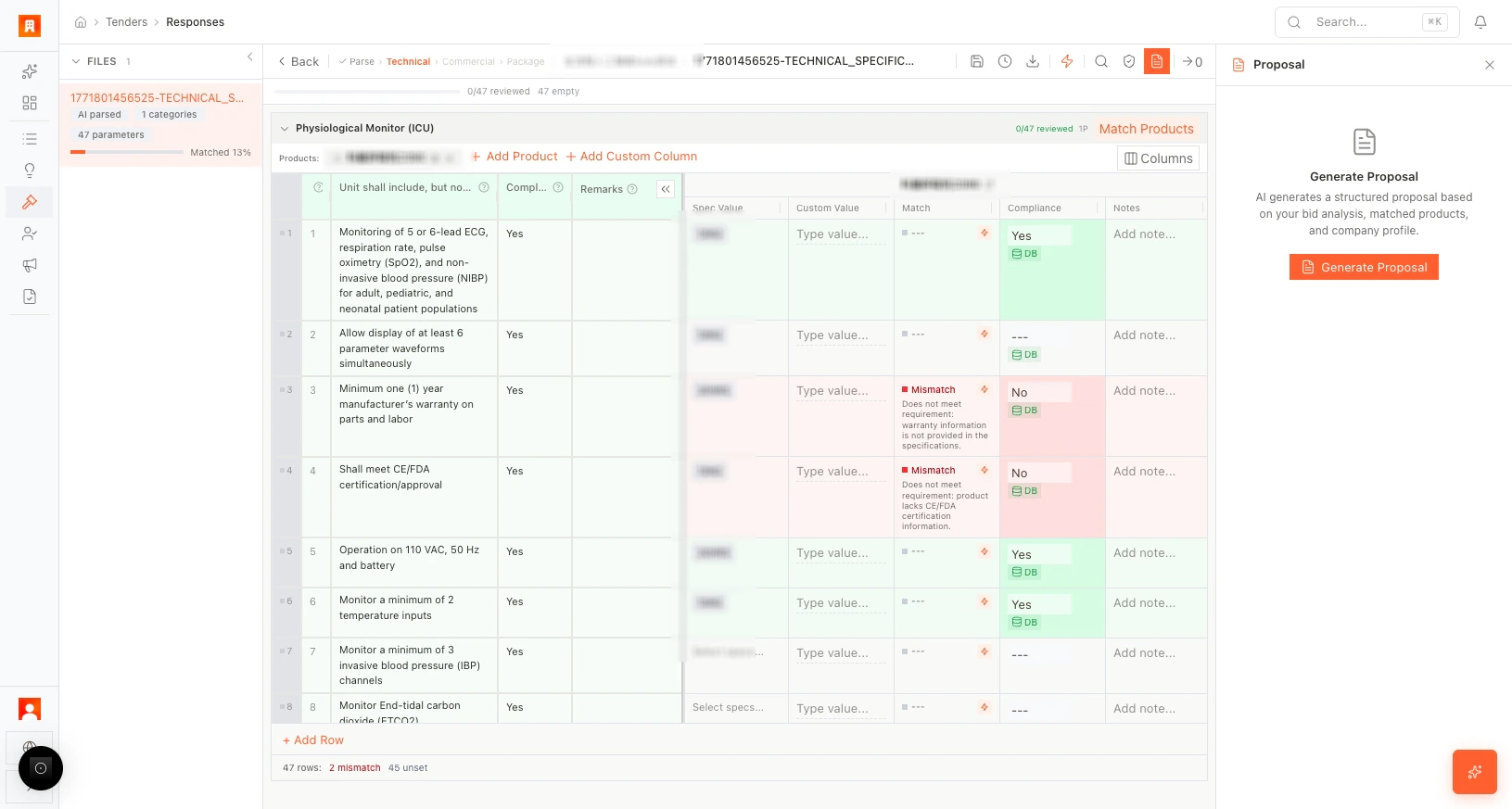
Customize the view
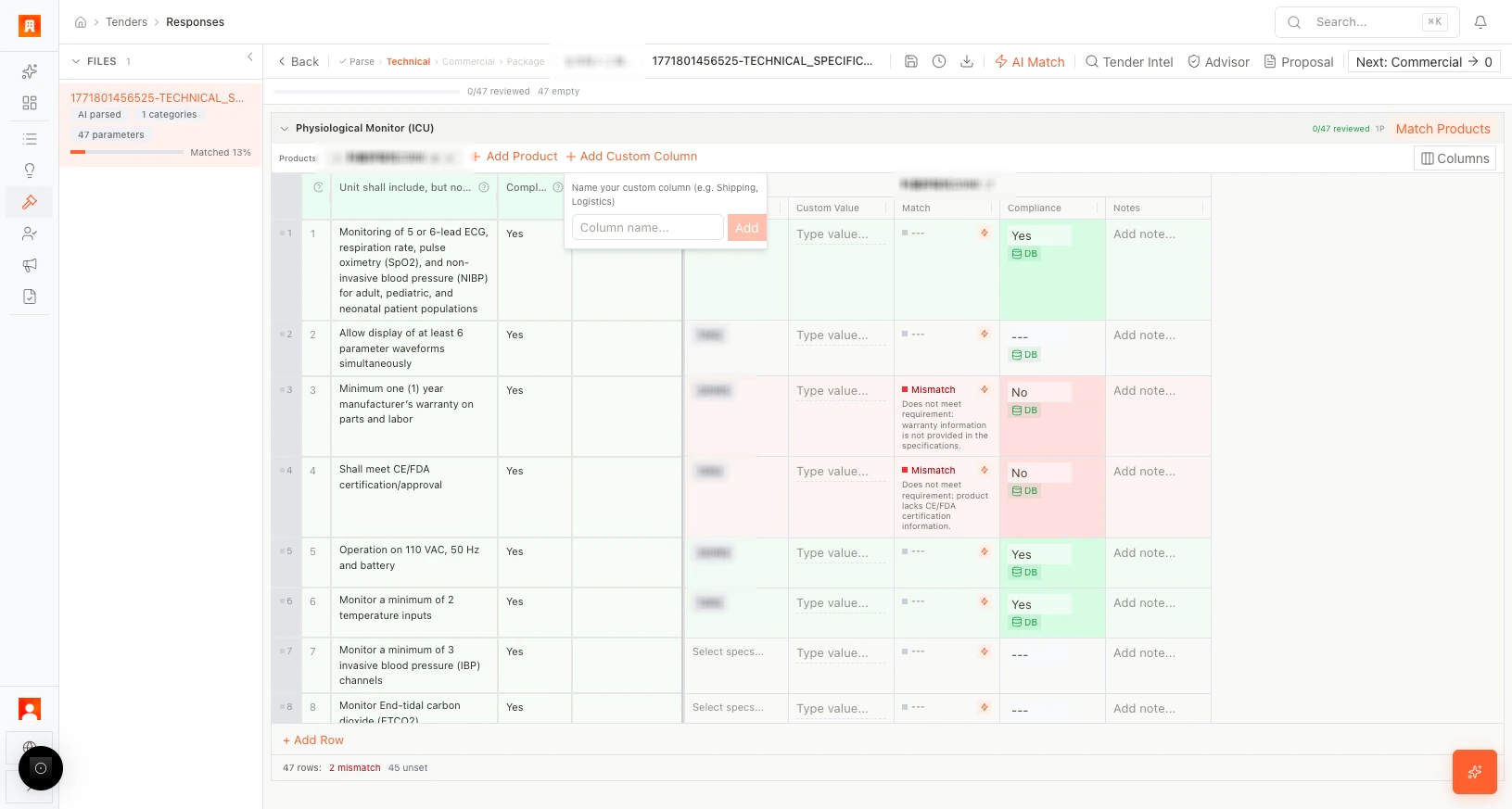
- + Add custom columns for notes, internal comments, or scoring.
- Use Columns to show/hide fields in the table.
Move to Commercial
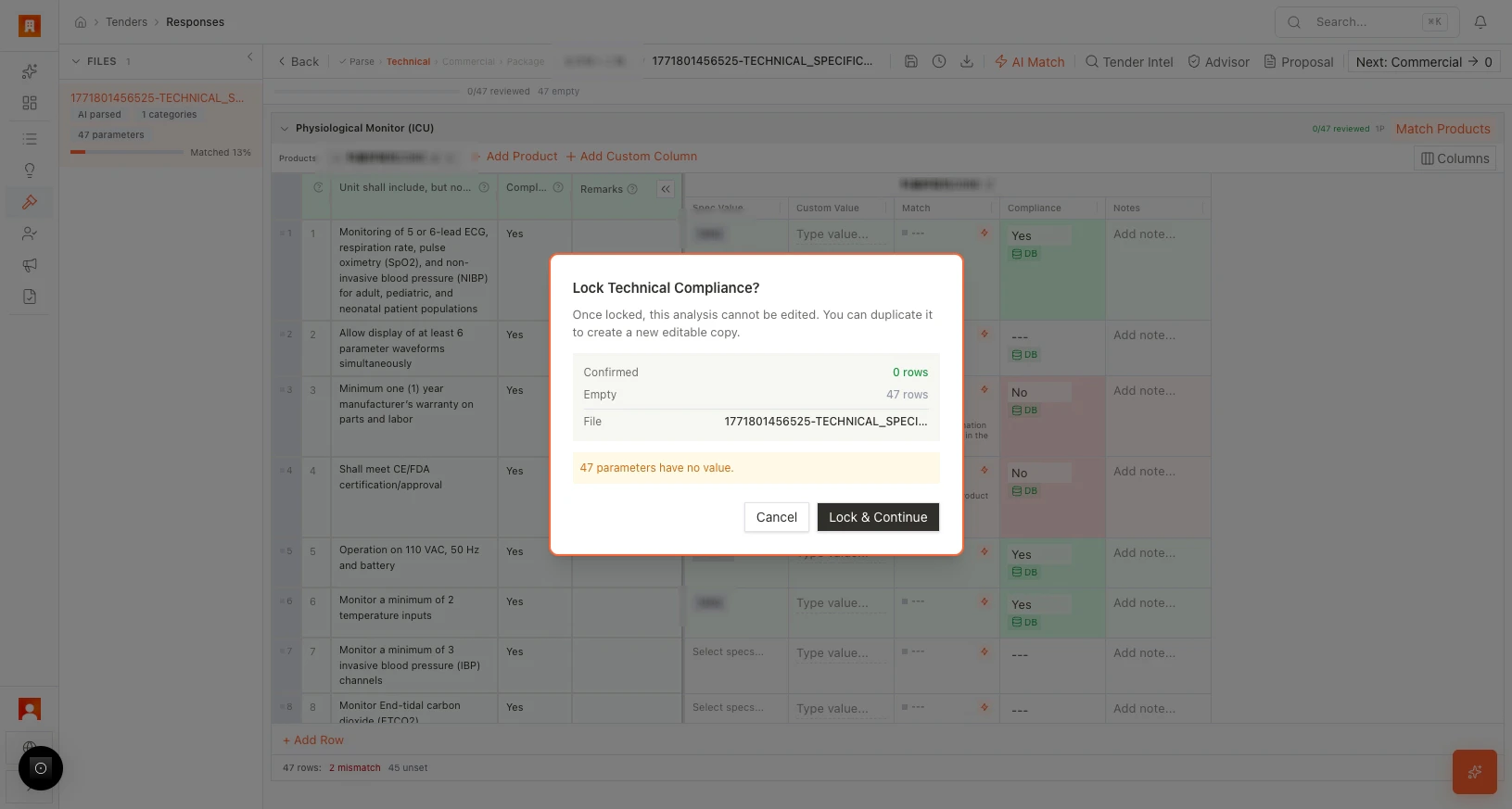
When technical compliance is complete, click Go to Commercial to open the quotation editor.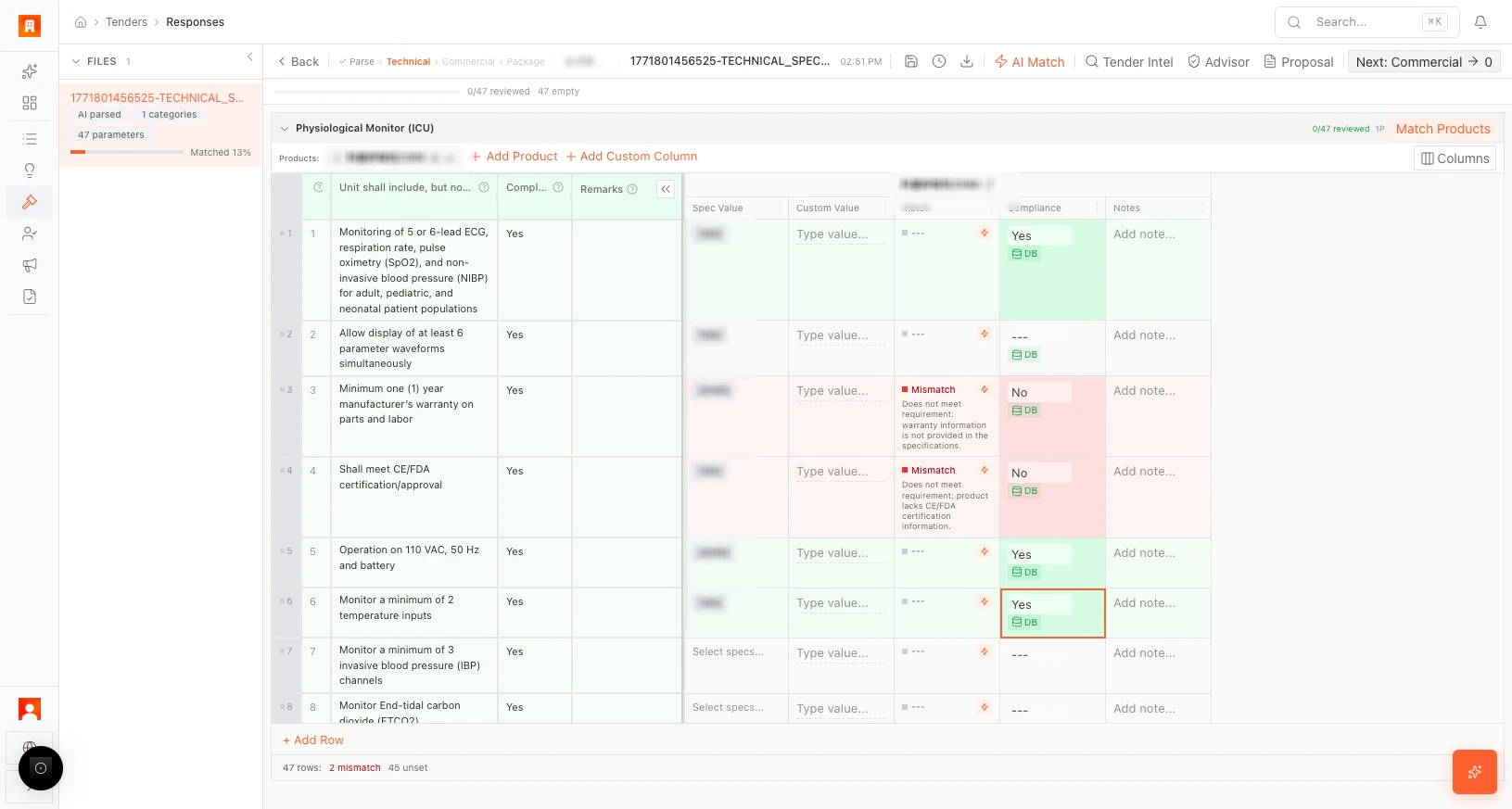
More scenarios
Cross-functional review: A regulatory affairs specialist opens the Technical editor alongside the bid manager. She uses the compliance column to flag three parameters where the product datasheet wording doesn’t exactly match the RFP language. The bid manager generates revised proposal text with AI, incorporating her input — eliminating the usual email back-and-forth.
New market entry: A medical device company bidding in a new country uses Tender Intel to ask “What local certifications are required?” The AI surfaces a CE marking equivalence requirement buried on page 83 that the team would have missed in a manual review.
The app may warn if requirements are unmatched or the file is locked by another user. Save your work before switching tabs.